 .app
Lesson
Choosing and setting up your desk
Touch typing course
Your account saves your results and progress. 3 days of the whole course, free and with no card.
About the course
Touch typing course
This lesson is for reading. You type in the course exercises - that's where you see your result after every attempt.
109 exercises - from the home row through capital letters to longer texts. 20 minutes a day is enough.
What an account gives you
- Results and progress saved lesson by lesson
- Error stats - see which letters you mix up most often
- The whole course for 3 days - free, no card required
- Move your results from this browser to your account
After that, $29.99 once, for good, with no renewals - with a certificate once you pass the test.
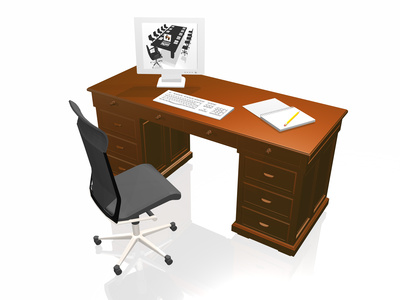
How you choose and set up your desk depends mostly on personal preference, but we often don't realize that some details can make a real difference to comfort - and so to productivity. A few things have a big positive effect on concentration, the quality of your work and learning to type fast.
When choosing a desk, pay attention to the following:
- The desk should be big enough to place the monitor at the right distance from your eyes - about 60 cm (24 in) or more.
- A keyboard placed slightly lower than a standard desktop helps you keep a good posture while you work, so it's worth looking at computer desks with two levels.
- If your desk has a pull-out keyboard tray, use a chair with armrests - otherwise your arms hang in the air and tire quickly.
- A desk with a raised monitor shelf can suit a tall person, but remember that a monitor set too high strains your neck and eyes.
- Computer desks that hold the monitor at an angle, on an extra surface below the main desktop, give you comfortable working conditions.
If you already have a desk, check where it stands. Can someone come up behind you? Psychological research shows that people have a subconscious need to keep an eye on their surroundings. If you don't sit facing the room or side-on to it, part of your attention goes to keeping track of what's happening out of sight. It also helps to have the door in your field of view. This gives you a sense of control and cuts down on the things that weaken your concentration and typing speed.
Try it without an account
These exercises work right away, no sign-up needed - try them to see what learning in the course is like.