 .app
Lesson
Keyboard and mouse
Touch typing course
Your account saves your results and progress. 3 days of the whole course, free and with no card.
About the course
Touch typing course
This lesson is for reading. You type in the course exercises - that's where you see your result after every attempt.
109 exercises - from the home row through capital letters to longer texts. 20 minutes a day is enough.
What an account gives you
- Results and progress saved lesson by lesson
- Error stats - see which letters you mix up most often
- The whole course for 3 days - free, no card required
- Move your results from this browser to your account
After that, $29.99 once, for good, with no renewals - with a certificate once you pass the test.
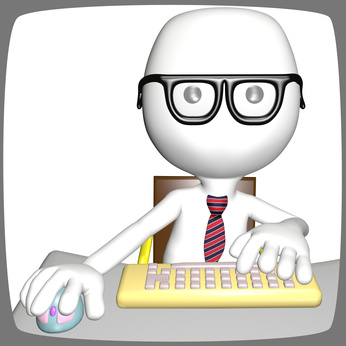
The right keyboard and mouse can reduce what tires you out while you learn to type or work at the computer. Pay attention to the following:
- When you sit correctly, the keyboard should be under your hands or just in front of them, close enough that you don't have to stretch your arms to reach it.
- Holding your hands up while you type tires them quickly, so consider an ergonomic keyboard with a wrist rest. Remember, though, that your wrists should stay raised while you type - touch typing or not - even with an ergonomic keyboard. The wrist rest is for your hands during breaks. With a regular keyboard, you can buy a separate wrist pad or use a rolled-up cloth along the bottom edge of the keyboard.
- The mouse and mouse pad should sit next to the keyboard on the right (on the left if you're left-handed), so your hand travels as short a distance as possible from the keyboard to the mouse, without moving your elbow. If you use the mouse a lot, consider an ergonomically shaped one.
Try it without an account
These exercises work right away, no sign-up needed - try them to see what learning in the course is like.