 .app
Lesson
Lighting - workstation and posture
Touch typing course
Your account saves your results and progress. 3 days of the whole course, free and with no card.
About the course
Touch typing course
This lesson is for reading. You type in the course exercises - that's where you see your result after every attempt.
109 exercises - from the home row through capital letters to longer texts. 20 minutes a day is enough.
What an account gives you
- Results and progress saved lesson by lesson
- Error stats - see which letters you mix up most often
- The whole course for 3 days - free, no card required
- Move your results from this browser to your account
After that, $29.99 once, for good, with no renewals - with a certificate once you pass the test.
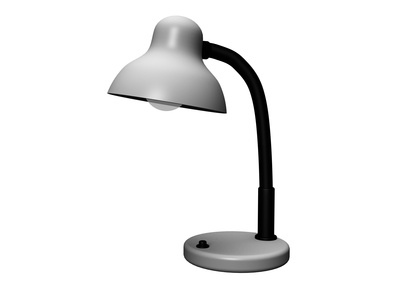
To give yourself the best conditions at the computer - especially while you're learning to type - pay close attention to lighting.
- Lamp light shouldn't shine directly into your face or onto the monitor. When you copy a text, aim the light at the text itself. An adjustable desk lamp works well here.
- Also make sure daylight doesn't fall on the monitor or come from directly behind it. Both tire your eyes very quickly. Blinds or curtains you can close while working during the day help with this.
Try it without an account
These exercises work right away, no sign-up needed - try them to see what learning in the course is like.